


Under-desk treadmill options have exploded in popularity as a solution for staying active during desk work, especially for remote workers and anyone short on space. Whether you’re sizing up the newest walking pad or eyeing a foldable treadmill, the right choice can help you break the sedentary cycle without sacrificing productivity. But not all models are equal, and the market is moving fast—here’s what modern buyers need to know.
Key Takeaways
- The under-desk treadmill market is rapidly growing, led by motorized models and driven by health-conscious remote workers.
- Key must-haves for home office setups are compactness, low noise, easy foldability, and smart app integrations.
- Common pitfalls involve hidden costs, lack of long-term durability data, and minimal health studies specific to treadmill desks.
- What Is an Under-Desk Treadmill and Why Use One?
- How to Choose and Set Up Your Under-Desk Treadmill: A Detailed Guide
- Advanced Analysis & Common Pitfalls for Under-Desk Treadmill Users
- Conclusion
- FAQ
What Is an Under-Desk Treadmill and Why Use One?
Under-desk treadmills, sometimes called walking pads, are slimmed-down treadmills designed to fit beneath a standing desk and allow users to walk while they work. This approach appeals to remote professionals and home-based workers who want to increase daily movement without stepping away from their email, spreadsheets, or online meetings.
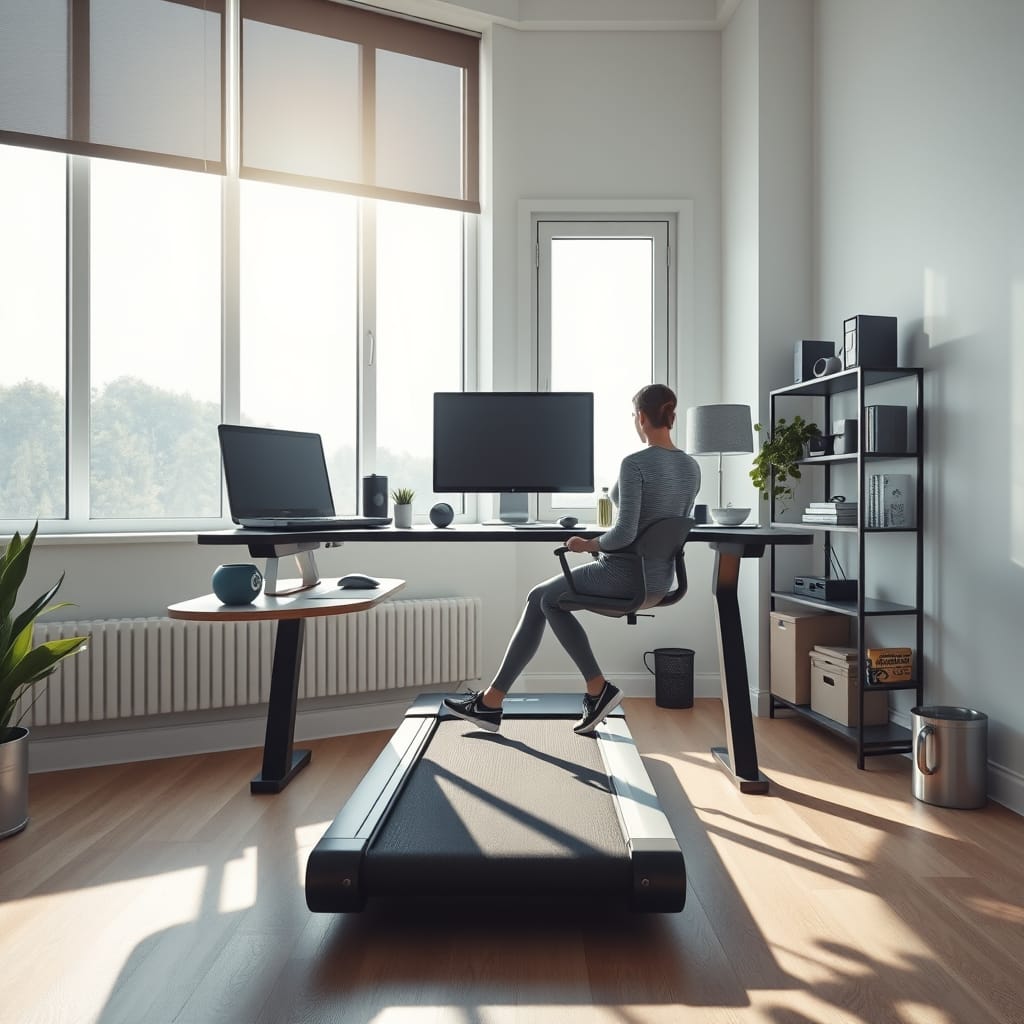
The main “why” is straightforward: research continues to show that sedentary lifestyles are linked to health risks, and daily movement matters. As more of us work from home, under-desk treadmill sales are rising sharply. The global market was valued at $1.2 billion in 2024 and could triple by 2033 if trends hold.
Motorized treadmills now make up almost 70% of sales. The biggest buyers are individual consumers, especially urban professionals seeking to blend fitness and productivity. That’s also why most new models are compact, quiet, and even offer app connectivity for health tracking.
If you already use home gym tech—like a smart fitness mirror or adjustable dumbbells for strength training—an under-desk treadmill is a logical next step for a holistic fitness setup without losing precious space.
How to Choose and Set Up Your Under-Desk Treadmill: A Detailed Guide
Here’s how to select, install, and integrate an under-desk treadmill into your work routine with minimal disruption or regret.
-
Decide on Intended Use
Think about how—and how often—you plan to use the treadmill. Will you walk for hours or just during calls? Heavier usage may warrant a more robust (and expensive) model, while casual users can opt for portable walking pads. -
Target the Must-Have Features
Work-from-home pros look for compactness, foldability, and silent operation. Seek models with low noise ratings and foldable decks for easy storage.- App connectivity for step tracking and health monitoring is becoming standard—and can even help you compete with friends.
- Avoid models with small weight limits, short warranties, or sparse customer reviews.
-
Check the Specs:
- Weight capacity: Look for 220 lb minimum for stability; go higher for regular use.
- Speed range: Top out at 3–4 mph for walking; true running treadmills are larger and louder.
- Noise: No model is silent, but ratings under 50 dB are “quiet office” safe.
- Foldability & Size: Ultra-slim is easier to store—aim for 5–6” profile when folded.
- Durability & Warranty: Choose brands offering at least one-year full warranty; some extend motor coverage up to five years.
-
Calculate True Cost
Bestsellers in 2024 span $300–$800, but check for delivery fees, maintenance kits, or extended warranty add-ons. Factor in the lifetime cost, not just sticker price. -
Integrate into Your Workflow
Start with 10–15 minutes per hour. Set a gentle pace (1.5–2 mph) so you can focus on work and avoid awkward video calls.
When not in use, store the treadmill upright or slide it under a sofa—just as you might stow your home gym rack when optimizing for space.
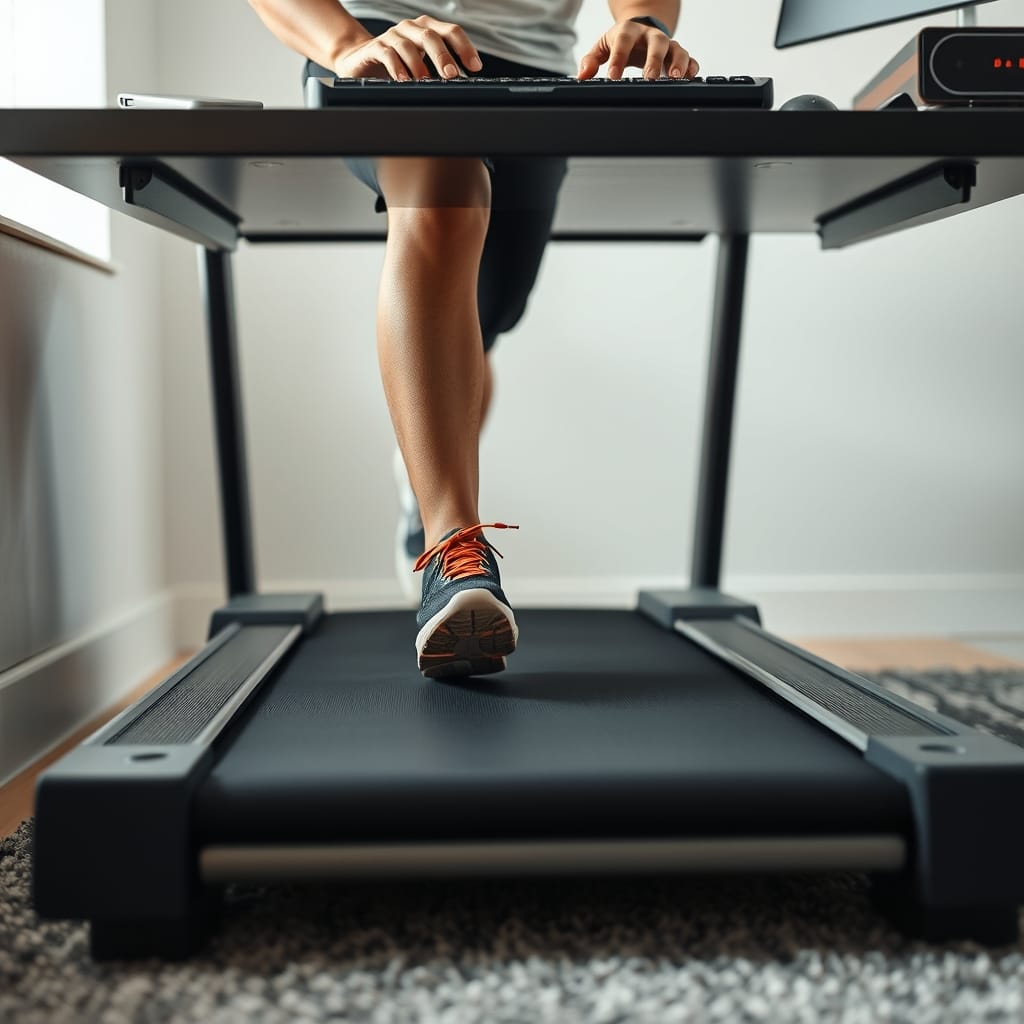
The latest models emphasize seamless integration—aesthetically pleasing enough for living rooms, with Bluetooth or app connection for real-time tracking. If you’re already invested in functional home gym setups (such as a functional trainer cable machine), syncing these devices with your routine is easier than ever. And if you want post-workout recovery, combine your walks with a session of percussion massage gun therapy for muscle relief.
Advanced Analysis & Common Pitfalls for Under-Desk Treadmill Users
Despite the upsides, users do encounter real challenges when adopting an under-desk treadmill. Here’s what the latest trends and research say.
| Factor | Under-Desk Treadmill | Walking Pad | Folding Treadmill |
|---|---|---|---|
| Typical Speed (mph) | 0.5–4 | 0.5–3.7 | 1–10+ |
| Weight Capacity (lbs) | 220–300 | 220–265 | 250–350 |
| Noise Level (dB) | 45–56 | 45–54 | 55–65 |
| Folded Height (inches) | 5–7 | 5–7 | 8–15 |
| Best for | Under-desk use, walking | Ultra-slim, walking | Running & walking |
- Price Transparency Issues: Most models cost $300–$800, but few brands disclose maintenance needs or add-on costs upfront. Buyer beware—budget for lubricant, mats, and periodic servicing.
- Limited Durability Data: Genuine long-term studies on walking pads are rare. Expect that some budget models may falter after extended daily use.
- No Clinical Health Impact Studies: While combating sedentary work is positive, there are currently no robust studies measuring physical discomfort, calorie burn, or step count outcomes specifically for under-desk treadmill users, per market research.
- User Experience Gaps: Noisy units, unsatisfactory warranties, and awkward ergonomics remain among the most cited frustrations—not to mention the lack of standardized customer feedback in this newish market.
- Practicality for All Users: Not every home office or user will adapt easily. Consider whether your desk height, space, and work type (think typing versus phone calls) can easily accommodate walking while working.
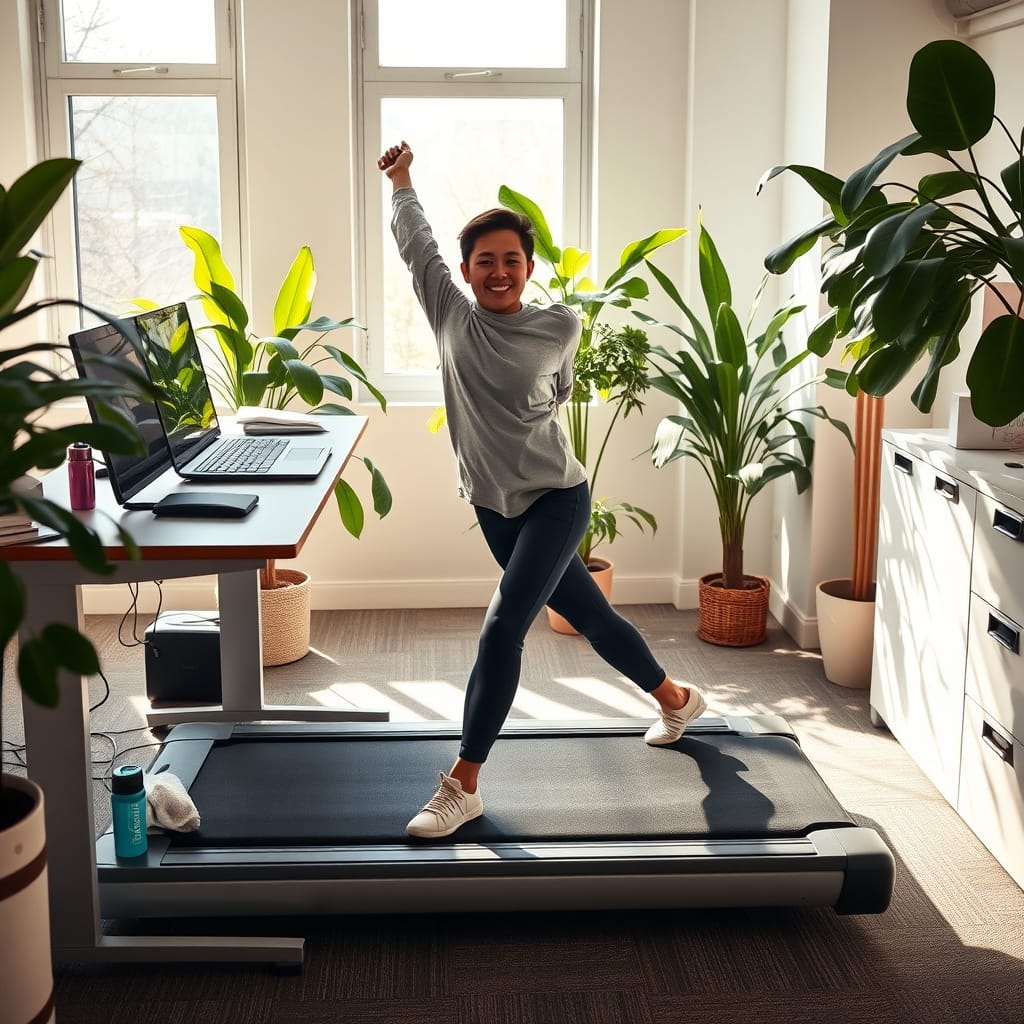
For buyers who want tried-and-true exercise methods alongside their under-desk treadmill, traditional adjustable dumbbells and power racks remain key space-saving fitness investments to consider for a well-rounded home gym.
Conclusion
The under-desk treadmill movement isn’t just hype. With the market expanding at up to 13.5% annually, these devices offer a realistic way to bring low-impact activity back into busy, desk-bound days. The best picks are compact, quiet, foldable, and smartly integrated with your work-from-home setup—but beware of hidden costs and untested claims. If you want to reclaim your health while working from home, now is the time to research, invest, and take those first steps with your own under-desk treadmill.
Ready to take action? Measure your space, compare models, and transform your daily routine with an under-desk treadmill that truly fits your lifestyle.
FAQ
How much space do I need for an under-desk treadmill?
Most models require a walking area of at least 50 x 20 inches, and extra clearance for safe mounting. Measure your desk width and legroom before buying.
Can you run on an under-desk treadmill?
Most under-desk treadmills are designed strictly for walking at speeds up to 4 mph. For running, consider a folding treadmill instead for better stability and safety.
Are under-desk treadmills loud?
Quiet models generate 45–55 dB, comparable to office background noise, but older or budget units may be louder. Use a mat to minimize vibration and sound.
Do they require much maintenance?
Periodic lubrication and belt alignment are usually needed. Some models come with auto-lubrication; check your warranty for coverage.
What features matter most for work-from-home users?
Prioritize compact size, low noise, foldability, app health integration, and energy efficiency to ensure the device fits seamlessly in home office environments.